LUMACORE LASER · B2B TEACHING DEMONSTRATIONlumacore@owlteam.work

CO₂ Laser Systems

Compare CO2 concepts for acrylic, wood and signage. Start with the material, workpiece envelope and the result you want to evaluate.
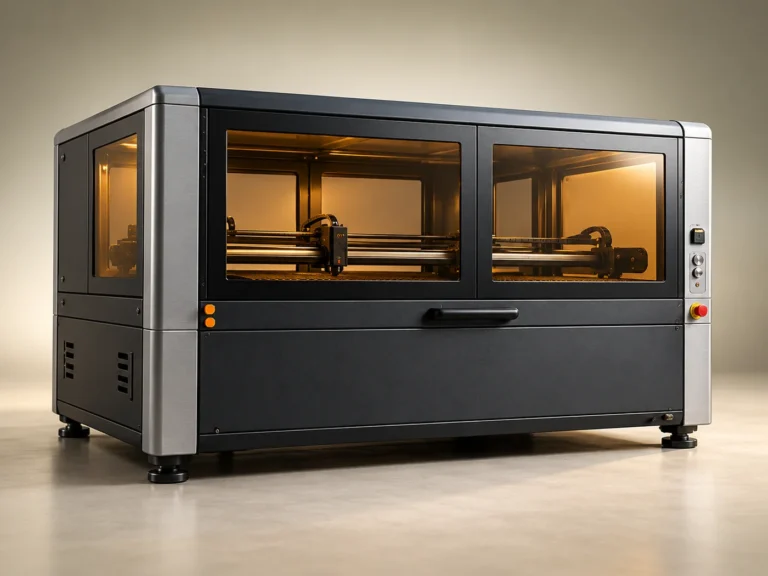
AI teaching concept: wide-format enclosed LC-1300 CO2 laser cabinet

Products in this range

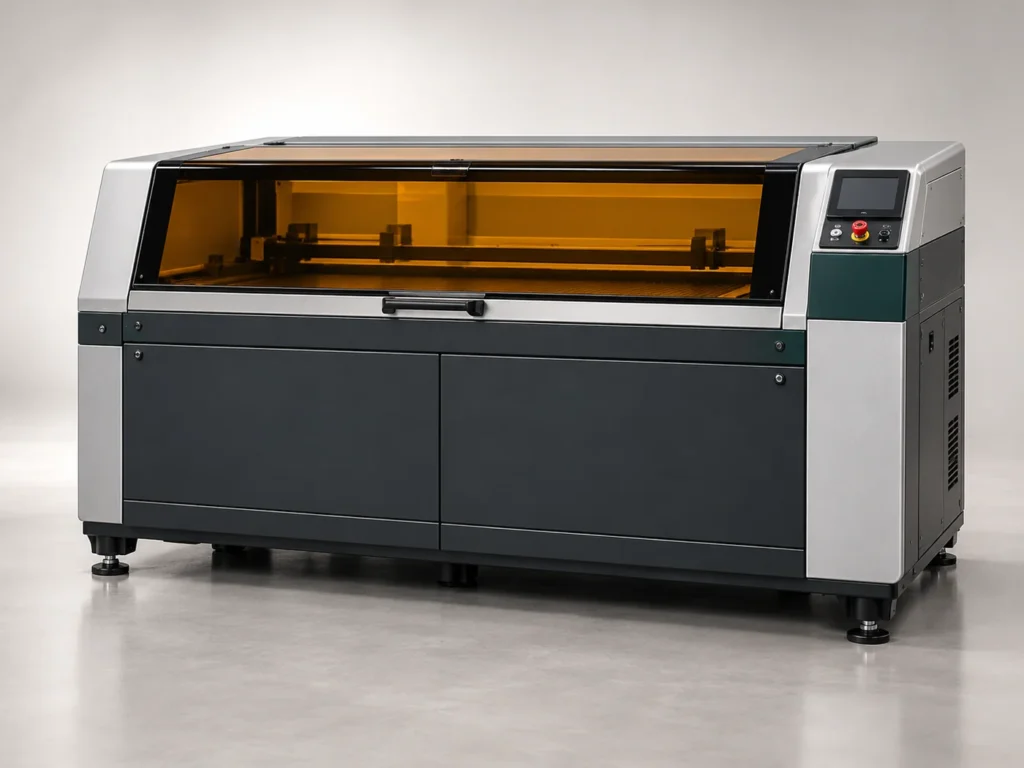
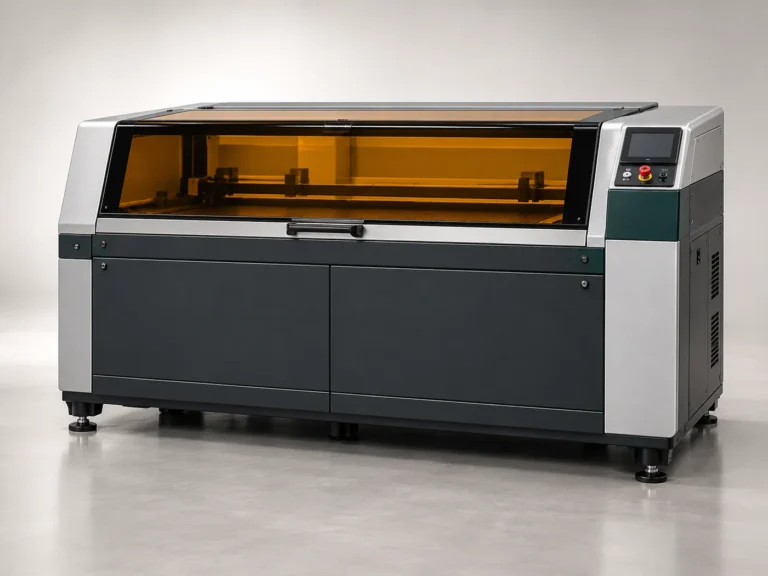
LC-900 CO₂ Laser System

A versatile concept platform for acrylic, wood and signage workflows.

Laser process
CO₂ engraving & cutting
Work area
900 × 600 mm

LC-1300 CO₂ Production System

A larger-format concept for sheet processing and repeat production.

Laser process
CO₂ engraving & cutting
Work area
1300 × 900 mm

Compare the configurations

Concept configurations for this teaching catalogue. Confirm an actual specification with the equipment supplier.

Selection pointLC-900 CO₂ Laser SystemLC-1300 CO₂ Production System
Laser processCO₂ engraving & cuttingCO₂ engraving & cutting
Work area900 × 600 mm1300 × 900 mm
Configuration80 / 100 W concept options100 / 150 W concept options

Materials and applications

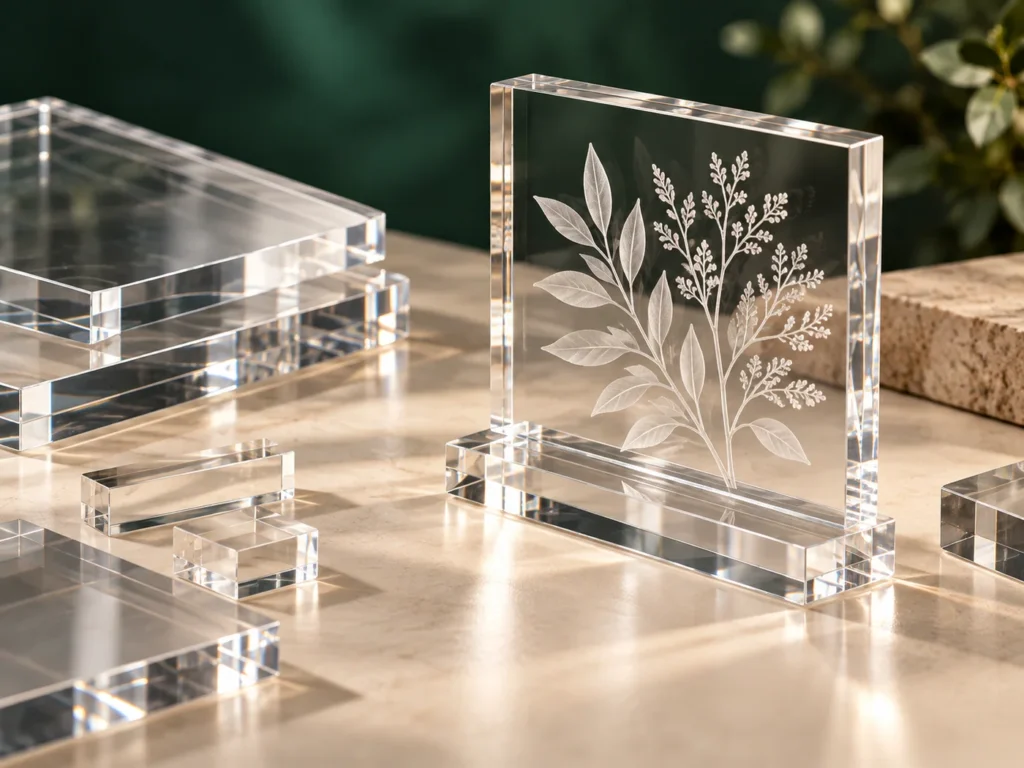
Explore PMMA displays and engraved wood through an exact material specification and a representative sample. Define the result before comparing model names.
Open the material library
AI teaching concept: transparent engraved acrylic display samples

Choose the configuration around your workpiece

Define the work envelope

Measure the complete part and include any fixture or loading requirement. Use the concept work areas as a comparison starting point, not a verified clearance drawing.

Material and result

Specify the exact material, coating and intended engraving or cut profile. Use the material guides to prepare relevant questions.

Configuration and installation

Review source, optics, work support, handling and installation needs together. Ask the supplier to define the actual proposed scope.

Evaluate a representative sample

Agree on material, artwork and acceptance criteria before making a purchase decision. Keep returned evidence associated with the configuration used.